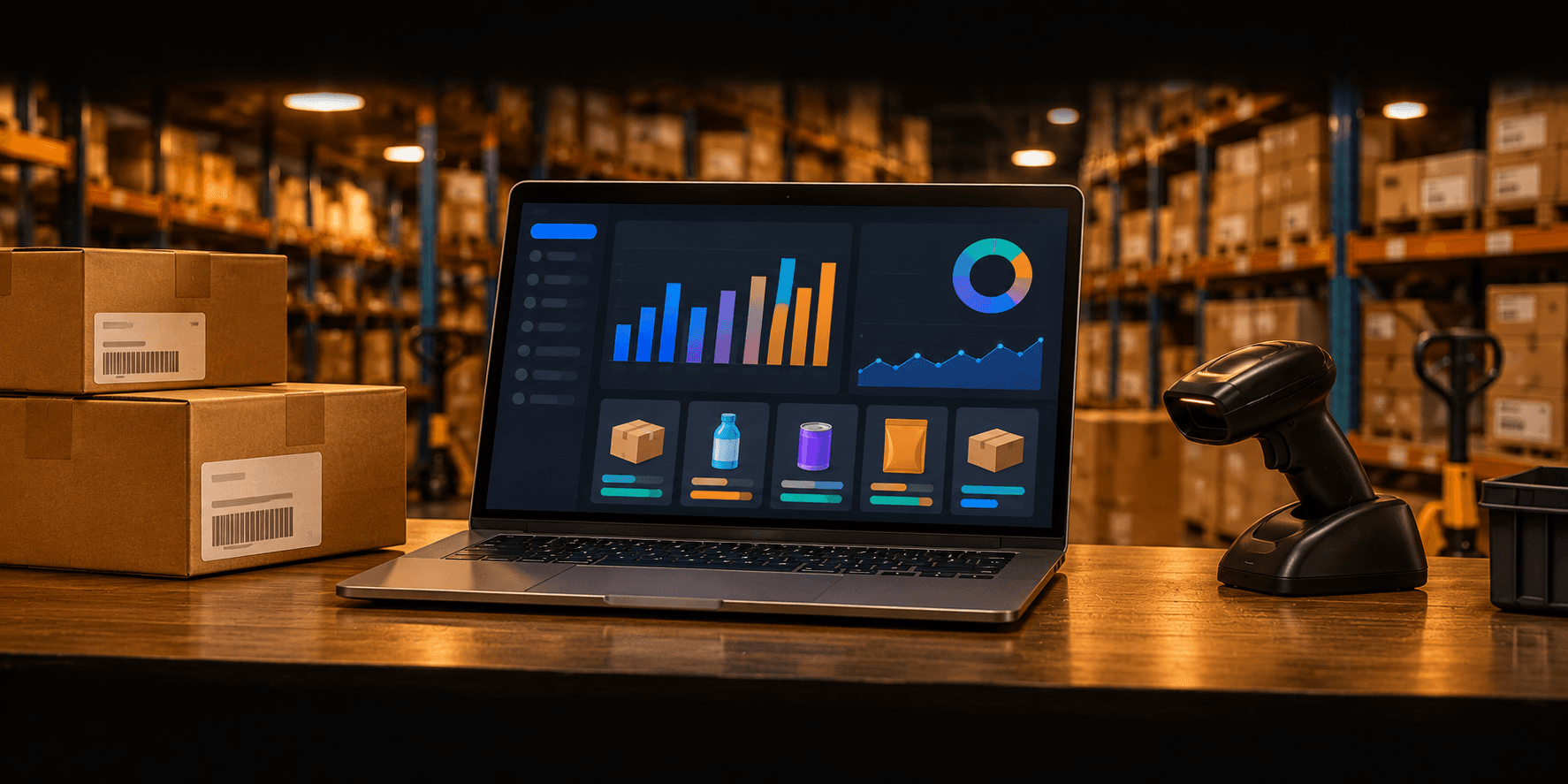
Inventory management with point of sale
Inventory Management Software with POS System
Know your stock and your sales, without spreadsheets
This inventory management software with a built-in POS system keeps stock, sales, purchases, suppliers and customer dues in one place. Every sale and every delivery updates stock automatically, so you always know what you have and what to reorder. Built and supported by Campaignsquat Ltd.
Designed, built and supported by Campaignsquat Ltd, a UK-registered software company.
01Core features
Everything Inventory Management Software with POS System does, module by module
5 modules that work together in one system.
Inventory
A single, accurate record of every product you stock.
Product catalogue
Items with SKU, barcode, unit, cost and selling price.
Stock in and out
Every sale, purchase and return updates stock automatically.
Low-stock alerts
See which products need reordering before they run out.
Stock adjustments
Record damage, loss or counts, with a full history of changes.
POS & billing
A fast checkout that keeps stock up to date.
Quick checkout
Find items by barcode or name and complete sales in seconds.
Invoices and receipts
Print or share a clear invoice for every sale.
Discounts
Apply item or bill discounts with permission control.
Sales returns
Process returns and put items back into stock.
Purchases & suppliers
Buy the right stock and keep track of what you owe.
Purchase orders
Create purchase orders and receive stock against them.
Supplier records
Contact details and purchase history for each supplier.
Supplier dues
See what you owe each supplier and record payments.
Customers & dues
Customer history and credit sales under control.
Customer records
Contact details and purchase history in one place.
Credit sales
Record sales on credit and follow up on outstanding dues.
Payment collection
Record payments against a customer's balance.
Reports
The numbers that matter, ready when you need them.
Sales reports
Sales by day, product and category.
Stock reports
Current stock and stock value.
Profit report
Profit based on cost and selling price.
Purchase reports
Purchases by supplier and period.
A single, accurate record of every product you stock.
Product catalogue
Items with SKU, barcode, unit, cost and selling price.
Stock in and out
Every sale, purchase and return updates stock automatically.
Low-stock alerts
See which products need reordering before they run out.
Stock adjustments
Record damage, loss or counts, with a full history of changes.
A fast checkout that keeps stock up to date.
Quick checkout
Find items by barcode or name and complete sales in seconds.
Invoices and receipts
Print or share a clear invoice for every sale.
Discounts
Apply item or bill discounts with permission control.
Sales returns
Process returns and put items back into stock.
Buy the right stock and keep track of what you owe.
Purchase orders
Create purchase orders and receive stock against them.
Supplier records
Contact details and purchase history for each supplier.
Supplier dues
See what you owe each supplier and record payments.
Customer history and credit sales under control.
Customer records
Contact details and purchase history in one place.
Credit sales
Record sales on credit and follow up on outstanding dues.
Payment collection
Record payments against a customer's balance.
The numbers that matter, ready when you need them.
Sales reports
Sales by day, product and category.
Stock reports
Current stock and stock value.
Profit report
Profit based on cost and selling price.
Purchase reports
Purchases by supplier and period.
02Problems solved
Stock problems this software solves
When stock and sales live in different places, money leaks out quietly.
Problem 01
Stock never matches the records
Counts in the store and figures in the spreadsheet disagree every time.
How it's solved
Every sale, purchase and return updates one live stock figure.
Problem 02
Best-sellers run out
Popular items run out while slow stock fills the shelves.
How it's solved
Low-stock alerts and sales reports show what to reorder.
Problem 03
Slow, error-prone billing
Writing invoices by hand is slow and mistakes cost money.
How it's solved
A barcode-ready POS creates accurate invoices quickly.
Problem 04
Unpaid dues forgotten
Customer credit and supplier balances are kept in notebooks.
How it's solved
Customer and supplier dues are tracked with payment history.
Problem 05
Profit is a guess
You only find out how the business did after hours of work.
How it's solved
Profit and sales reports are ready at any time.
03Why Inventory Management Software with POS System
Why businesses choose this inventory and POS system
Inventory management software and a POS system in one, so selling and stock control never get out of step.
- core modules
- 5
- core modules
- guided onboarding
- 6-step
- guided onboarding
- framework it is built on
- Laravel
- framework it is built on
Stock and sales in one system
No double entry: selling and stock control happen in the same place.
Fast checkout
Barcode-ready billing keeps queues short.
Reports you can act on
Sales, stock, purchase and profit reports without spreadsheets.
Set up around your business
The software is configured to your workflow, and our team can tailor it further when you need something extra.
Control over who sees what
Role-based user accounts, so each person only sees and changes what their job needs.
Built by Campaignsquat Ltd
Designed, built and supported by Campaignsquat Ltd. You talk directly to the team that develops the software.
04Biggest challenge
The hardest part of building Inventory Management Software with POS System
The main problem we had to solve to make the product work, and how we solved it.
One stock figure for every sale, purchase and return
- The challenge
Stock changes from many places at once: two tills can sell the same item at the same moment while a delivery is being received. Simply overwriting a stock number leads to wrong counts and items that seem to go below zero.
- Our approach
Every stock change is recorded as its own movement entry inside a database transaction, and the item is locked briefly while a sale is saved. Current stock is calculated from these movements.
- The result
Stock stays correct when several people work at the same time, and the stock history explains every change: who made it, when and why.
05Tech stack
What Inventory Management Software with POS System is built with
Proven, well-supported technologies chosen for speed, security and long-term maintenance.
- Layer 01
Backend framework
2 technologies- Laravel
- PHP


06Working process
How we get you started with Inventory & POS
Campaignsquat Ltd sets up, trains and supports every Inventory & POS installation.
- 01
Discovery
A short call to understand your business, your current process and what you need Inventory & POS to do.
- 02
Setup
We configure Inventory & POS for you: your products, categories, suppliers, users and invoice details.
- 03
Data import
We help you bring in your existing products, stock levels, suppliers and customers from spreadsheets or your old system.
- 04
Training
A hands-on session for owners, managers and sales staff, so everyone knows their part.
- 05
Go-live
You start using Inventory & POS in your daily work, with our team on hand for the first days.
- 06
Support
Ongoing help from the Campaignsquat Ltd team whenever you have a question or need a change.
07FAQ
Inventory management with POS: FAQs
Common questions about our inventory management software with a built-in POS system.
It is software that combines stock control and a point-of-sale checkout. Every sale updates stock automatically, so you always know what you have, what sold and what to reorder. Ours is built by Campaignsquat Ltd.
It suits shops, showrooms, distributors and any business that sells products and needs accurate stock, purchases and customer dues in one place.
Yes. Every sale, purchase and return updates stock straight away.
Yes. Products can have barcodes, and sales can be made by scanning them.
Yes. Credit sales are recorded against the customer, and you can record payments and see outstanding balances.
The Inventory Management Software with POS System is designed, built and supported by Campaignsquat Ltd, a UK-registered software company that builds business software, websites and apps.
Pricing depends on the size of your business and the modules you need. Book a demo and we will recommend the right setup and send you a clear quote.
Yes. During setup our team helps you import your existing products, stock levels, suppliers and customers from spreadsheets or your previous system, so you do not start from scratch.
Yes. The Inventory Management Software with POS System is set up around your workflow, and because Campaignsquat Ltd builds the software, we can add features or reports your business needs.
Yes. We train your team when you start and provide ongoing support afterwards. You deal directly with the Campaignsquat Ltd team that builds the Inventory Management Software with POS System.
See your stock and sales in one system
Book a short demo of our inventory management software with POS and see stock, sales and dues working together.
More of our products
View all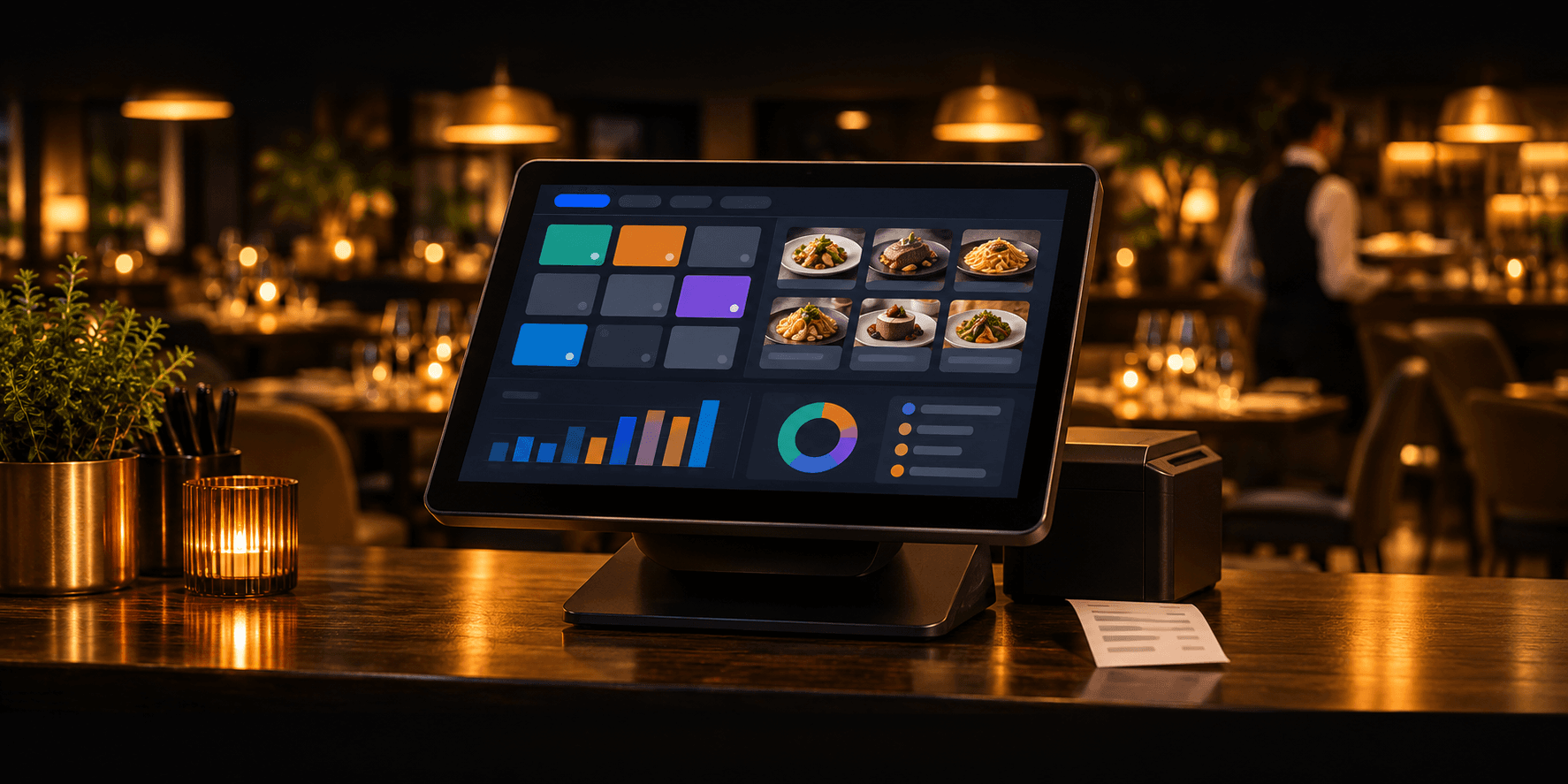
Restaurant POS
Restropos
Restaurant POS software for orders, tables, kitchen tickets, billing and sales reports, all in one place.
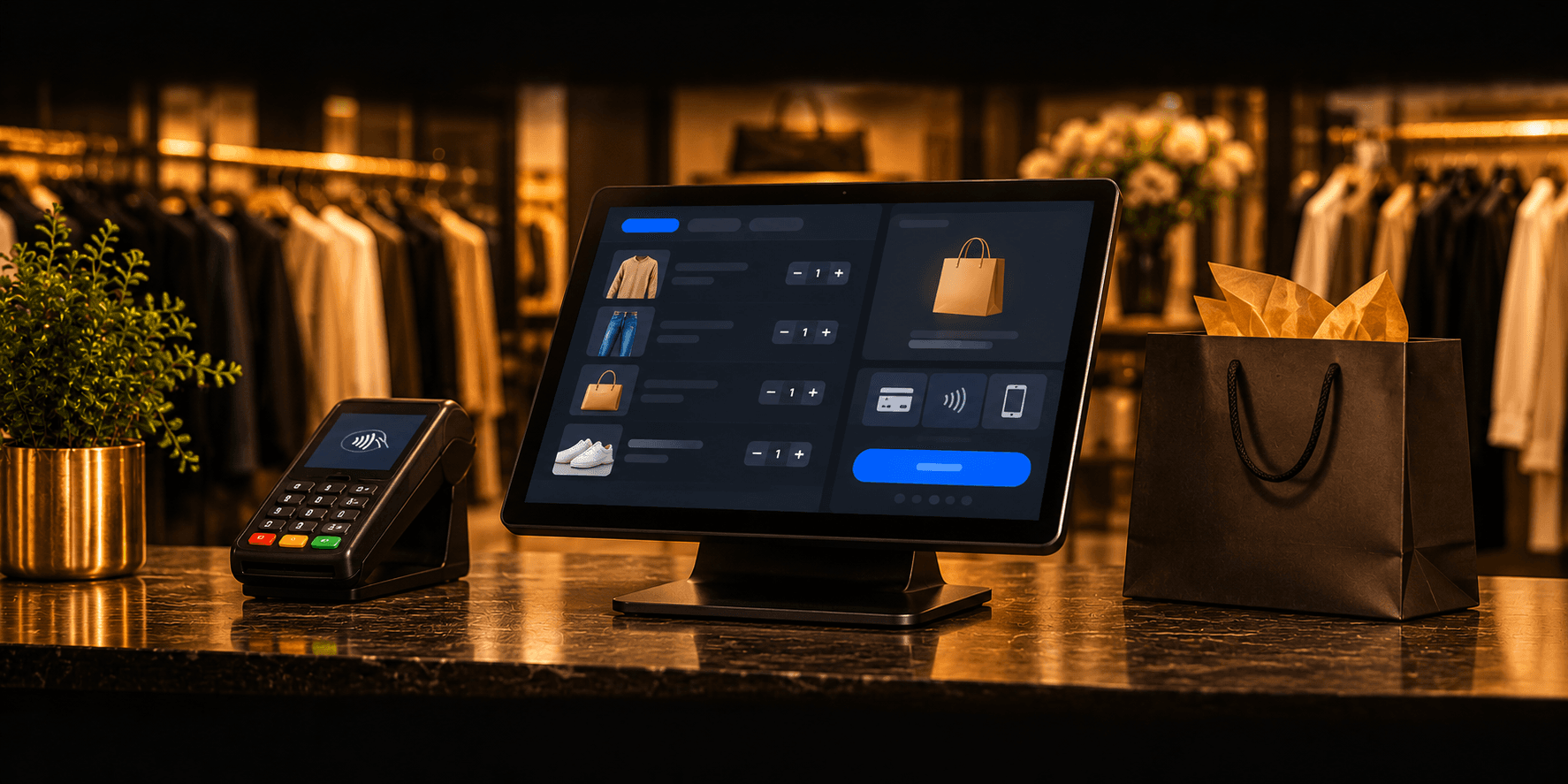
Retail POS
Retail POS Software
Retail POS software for shops and stores: fast checkout, stock, customers, cash control and sales reports.

Healthcare
Pharmacy Management Software
Pharmacy management software for medicine stock, batches and expiry dates, billing, suppliers and reports.